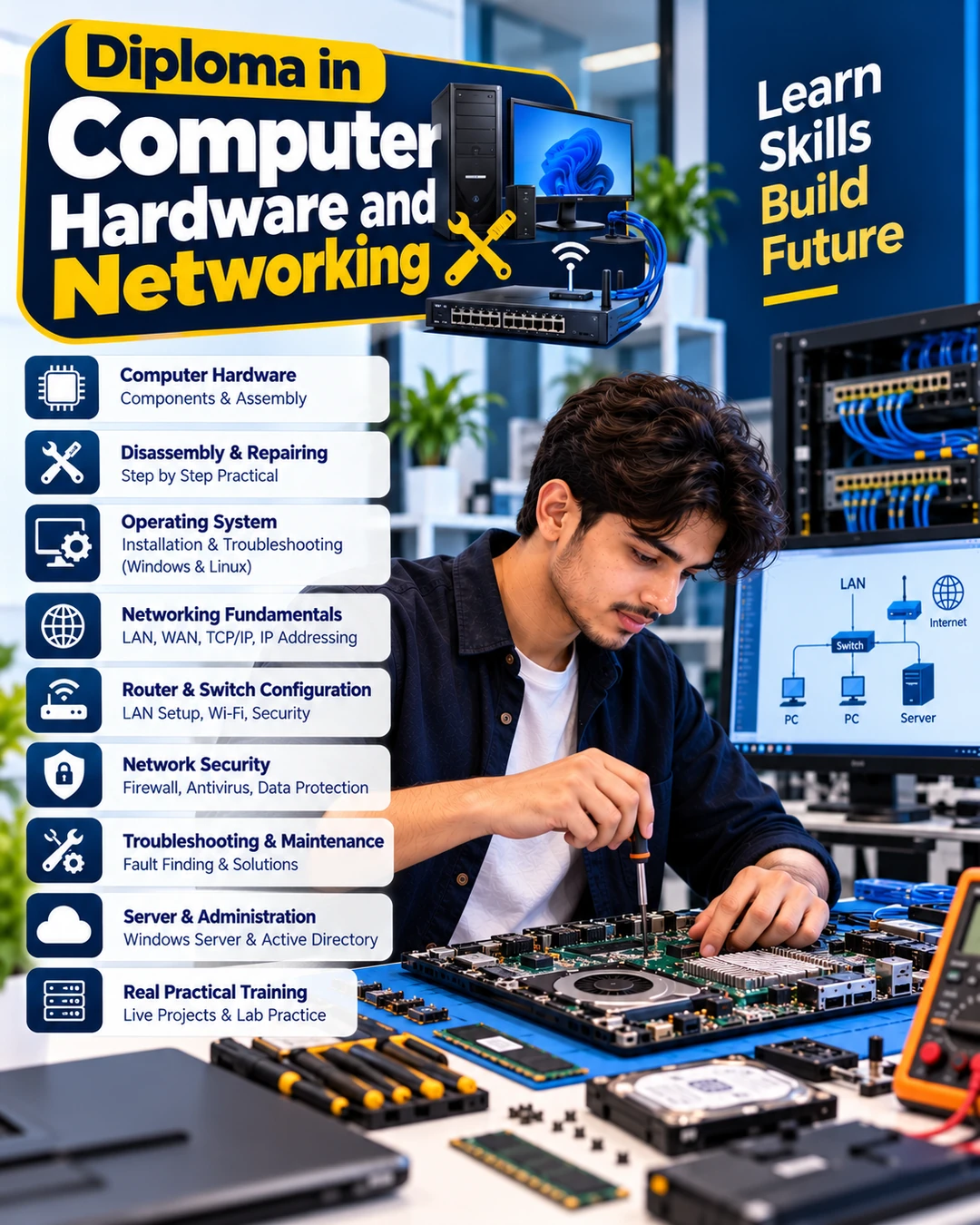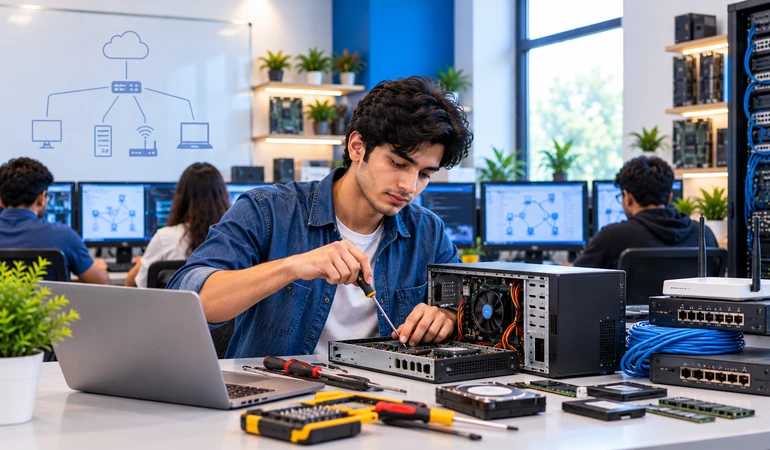
Understand motherboards, processors, RAM, storage devices, power supplies and other computer components
Learn the principles of computer assembly, component identification, preventive maintenance and systematic troubleshooting.
Explore network devices, IP addressing, LAN concepts, connectivity and basic network configuration.
Understand operating system installation, device drivers, system utilities and common computer support issues.
Learn computer hardware and networking concepts from the fundamentals.
Explore technical skill development after school, subject to the institute’s admission requirements.
Add practical IT knowledge alongside your academic studies.
Build foundational skills relevant to entry-level IT support opportunities.
Understand how computer components, operating systems and networks work together.
Develop knowledge relevant to computer installation, maintenance and troubleshooting.
Learn technical concepts useful for supporting computers and connected devices in workplaces.
Understand basic computer maintenance and networking needs for small businesses.
Explore hardware and networking as a possible direction for further technical learning.
Understand computer systems, their functions, common types and uses in professional environments.
Learn about basic electronic components, power supplies and safe handling principles
Study the motherboard, processor, RAM, storage devices, BIOS/UEFI and other essential components.
Understand component identification, assembly procedures and careful handling during maintenance.
Learn about printers, scanners, keyboards, displays and other peripheral devices.
Understand operating system installation concepts, configuration, updates and device drivers.
Explore system settings, storage management, backups and common diagnostic utilities.
Study a systematic approach to diagnosing startup failures, performance issues and component-related problems.
Learn network types, network topologies, communication basics and the purpose of common networking devices.
Understand IP addresses, subnet basics, network settings and local area network concepts.
Explore connectivity checks, common network faults, access control and fundamental security practices.
Understand preventive maintenance, technical documentation, user support and systematic problem-solving.
A computer hardware and networking course helps learners understand how computers are assembled, maintained and connected. The aim is to develop a sound technical foundation and a methodical approach to diagnosing common system and connectivity problems.
Progress from identifying computer components to understanding operating systems and network configuration. Practical experience, regular revision and troubleshooting exercises can help strengthen your understanding.
Understand preventive maintenance, backups and technical documentation.
Understand the purpose of essential computer components and peripherals.
Learn the principles of PC assembly, disassembly and component handling.
Understand installation, configuration, updates and device drivers.
Develop a structured approach to identifying and investigating computer problems.
Understand LAN concepts, network devices and basic connectivity.
Learn about IP settings and the fundamentals of connecting devices to a network.
Computer hardware and networking skills may support entry-level technical roles and further specialisation. Career opportunities depend on your practical ability, experience, additional qualifications and employer requirements.
Explore roles involving computer installation, maintenance and component troubleshooting.
Help users with common computer, software and peripheral issues.
Explore support work involving workplace computers and connected devices.
Build towards roles involving basic network connectivity and troubleshooting.
Consider work in computer repair and maintenance businesses.
Explore technical support roles that involve visiting customer or business locations.
Develop towards user-support roles that require problem diagnosis and clear communication.
Consider independent servicing after developing sufficient technical experience.
Continue learning advanced networking, system administration, Linux or network security.
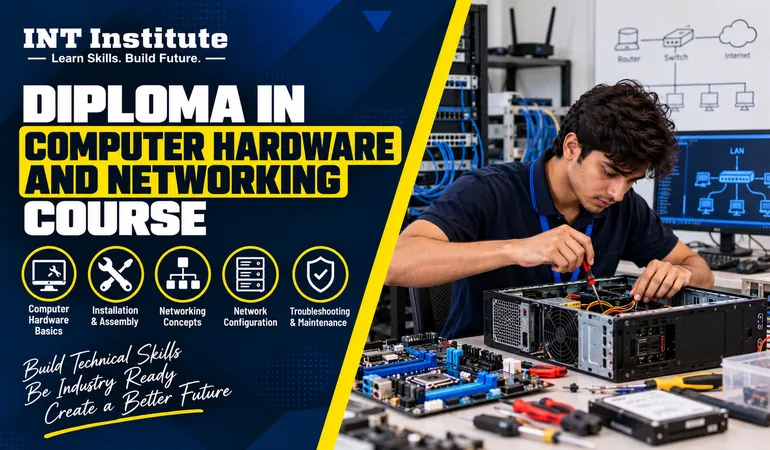
The one-year Diploma in Computer Hardware and Networking at INT Institute is designed to introduce learners to computer components, operating systems, maintenance and networking fundamentals. It can help learners build a foundation for further technical learning and explore entry-level IT support pathways. Confirm the actual practical facilities, admission requirements and course inclusions with the institute.
Limited Seats
One-year diploma course structure
Foundational computer hardware concepts
Introduction to PC components and architecture
Computer assembly and maintenance concepts
Operating system and software installation fundamentals
Networking devices and LAN concepts
IP configuration and troubleshooting fundamentals
Awareness of IT support and networking career pathways
Genuine student feedback can help future learners understand the learning experience and practical skills developed during the course. Add verified testimonials only after obtaining permission from the students concerned.
Student
"The computer hardware and networking course helped me understand computer components, hardware troubleshooting, and basic networking. The practical learning was useful and easy to follow."
Student
"I joined this course to improve my technical skills. I learned about computer hardware, network connections, and troubleshooting common problems. The course helped me build a good foundation."
Student
"This course gave me a better understanding of computer maintenance, networking basics, and hardware installation. I enjoyed learning practical skills that can help me explore opportunities in IT support."
Find answers to the most common questions about our course.
Interested in how computers work and how networks connect devices? Explore the one-year diploma course at INT Institute. Develop foundational technical knowledge, understand troubleshooting concepts and learn about possible IT support pathways. Contact the institute to discuss the course structure, practical learning arrangements and admission process.
Need help?
Our team is ready to assist you.