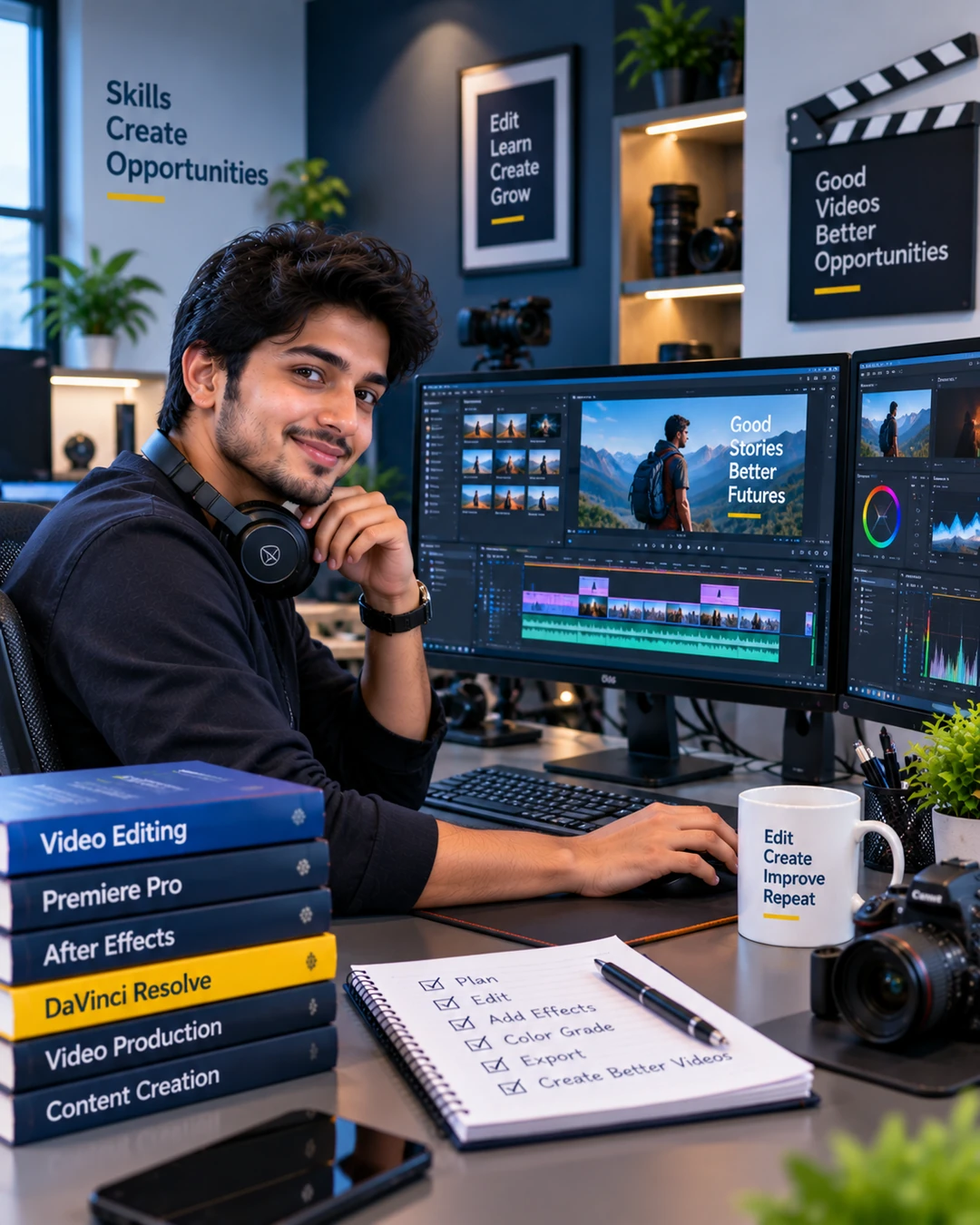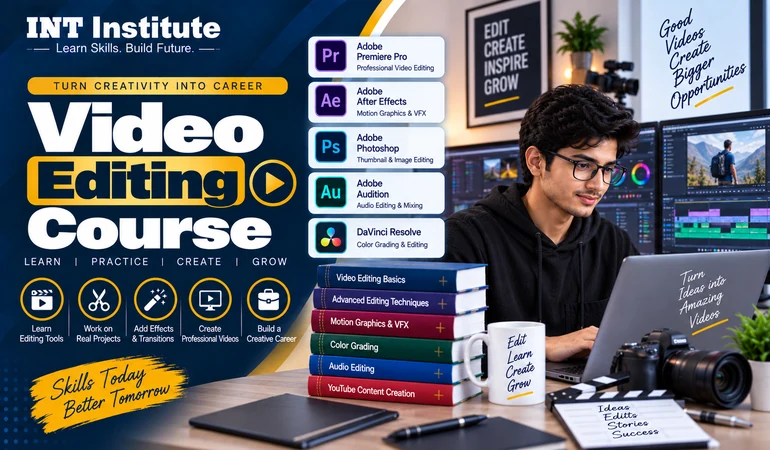
Gain skills in Adobe Premiere Pro, Adobe After Effects, DaVinci Resolve, and some AI-enabled video editing software with practical project work and client-based briefs. Come out with a certification that means something.
Everyone can now edit a video by cropping it and adding a filter to their mobile phones. However, this is not editing, and it is not what your client pays you for. He wants someone who understands timing and knows how to give room after a cut, clean the audio.
That's the gap this course closes. At INT Institute, you don't just learn which button does what. You go through the same process a working editor follows on an actual job.
Every module comes with practice footage, so you're editing from day one instead of just watching demos.
A certificate from INT Institute you can actually put on a resume, LinkedIn, or freelancing profile.
Briefs modeled on real client requests, so your portfolio has genuine work in it.
You don't need a high-end laptop either. What you need is patience with the software.
Build a paying skill on your own schedule, without needing fixed office hours.
Cut your editing time down and finally keep up a consistent upload schedule.
Add editing to your shoot packages and charge more per client instead of handing over raw files.
Stop paying an agency every month once you can cut your own product and social videos.
Faster, cleaner delivery is what actually wins repeat bookings in a market as competitive as Sonipat's.
Move into the creator economy gradually, without quitting your job first.
Turn a few spare hours a day into real, home-based income working with clients online.
Add motion and video to your skill set - the two usually get hired together anyway.
Add editing to what you already offer and raise your rates.
Timelines, frame rates, resolution, and why footage quality decisions matter before you even open an editor.
Cuts, trims, transitions, keyframes, and organizing one's project file.
Address exposure issues and white balance problems first and then move on to shaping the look.
Strip background noise, sync dialogue properly, and use music and sound effects to shape how a scene feels.
Lower thirds, animations for text, logos, and simple animations.
Multi-cam editing, more tools for grading, and understanding when to choose DaVinci over Premiere.
Hook the audience, set the pace, add in appropriate captions, and use export settings that match the platforms.
Telling the story cinematically through long-form videos and highlight reels.
Editing testimonials, product demos, and advertising campaigns which have to sell as well as look good.
Auto-transcription, auto-captioning, and background removal tools that cut your editing time down.
Real footage, a real deadline, and real feedback from your trainer - just like an actual client job.
Pricing your work, building a demo reel, and pitching your first paying client.
This isn't a stack of pre-recorded videos you watch alone at 2am. It's a guided course where someone actually looks at your work.
Build practical video editing skills through hands-on training, real project assignments, editing software practice, and structured guidance designed to help you create professional-quality video content.
Job leads, internship openings, and guidance on pitching for freelance work.
Every module comes with practice footage, so you're editing from day one instead of just watching demos.
PDFs, cheat sheets, and shortcut guides you'll keep using long after the course ends.
Briefs modeled on real client requests, so your portfolio has genuine work in it.
A certificate from INT Institute you can actually put on a resume, LinkedIn, or freelancing profile.
Editing software throws up strange, specific problems constantly. Get them solved here instead of Googling your way through alone.
What's free, what's worth paying for, and how to set up a working edit station without overspending.
Video isn't slowing down. Every business, creator, and coaching center needs more of it, faster than most of them can currently produce it.
Edit video content full-time for an agency, studio, or company.
Take on video editing projects independently for clients worldwide.
Edit reels, shorts, and video content for social media platforms.
Create animated titles, graphics, and visual effects for video projects.
Edit long-form and short-form videos for YouTube creators.
Edit wedding films and event highlight reels for clients.
Edit testimonials, product demos, and brand videos for companies.
Create reels, shorts, promotional clips, and other engaging short-form videos for digital platforms.
Support editing teams with video cutting, transitions, audio syncing, effects, and final project preparation.
Here's exactly what to expect before you enroll.
Seats Filling Fast
All 12 modules with hands-on practice
Live and recorded class access
Study material, cheat sheets, and templates
INT Institute Certification on Completion
Doubt sessions and one-on-one trainer support
Freelance Video Editor
"I joined thinking I'd just pick up Premiere Pro basics. By the time I finished, I had actual client work in my portfolio, not class exercises."
Social Media Manager
"I run social pages for two small businesses and used to outsource every video. The Reels and Shorts module alone paid for the course."
Wedding Videographer
"I already shot weddings but my editing was slow and inconsistent. The DaVinci Resolve module changed how I grade color, and my delivery time's nearly halved since finishing."
Find answers to the most common questions about our course.
Learn practical video editing with hands-on training, real project assignments, modern editing software, and guided practice. Get complete information about the course, duration, learning mode, certification, and career opportunities.
Need help?
Our team is ready to assist you.