• Subhash Chowk,Sonipat, Delhi-NCR
  • info@intinstitute.com
  • +91 935 0579 660
NIELIT BCC Certificate Course

NIELIT BCC Course – Build Essential Computer Skills for Everyday Work

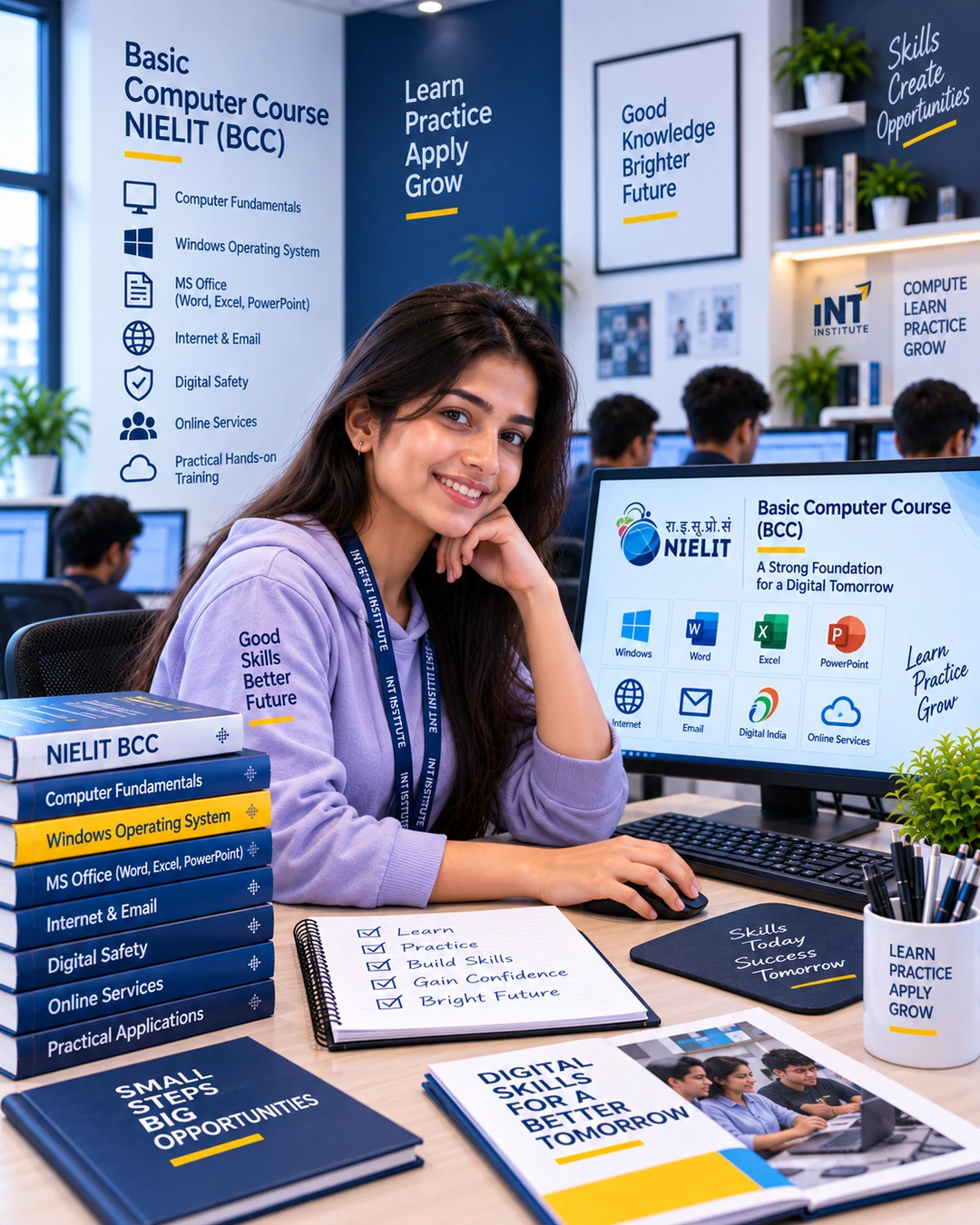
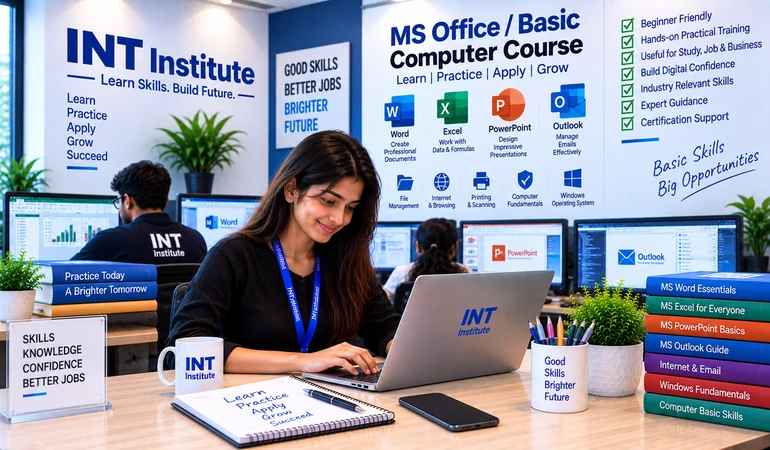
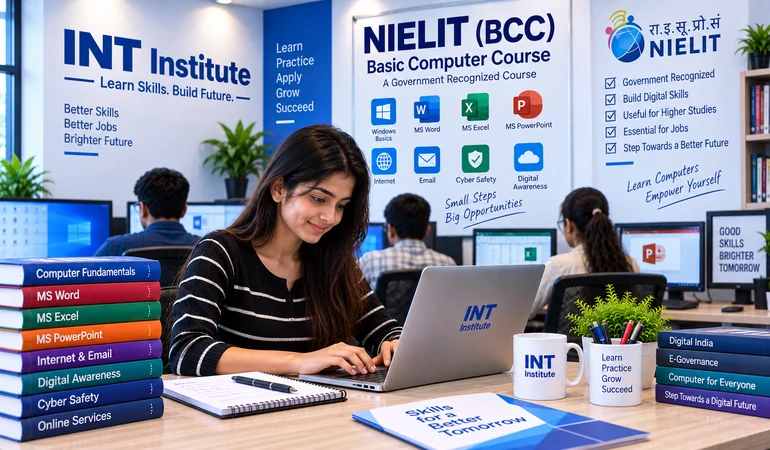
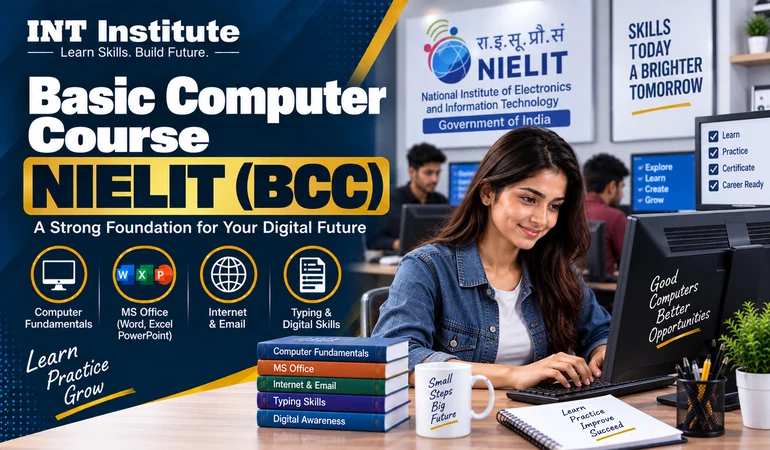
INT Institute offers the NIELIT BCC Course for students, beginners, and learners who want to build practical computer knowledge. This 3-month program is available in online and offline modes and covers computer fundamentals, office applications, internet, email, digital services, and essential computer skills for study, work, and everyday digital tasks.
Trusted by 10,000+ Students from 20+ Countries
4.9/5 ★★★★★ From 1,500+ Reviews
Govt. Approved Recognized Course Certification
Course Overview

About This NIELIT BCC Course

Basic computer knowledge has become an essential skill for students, job seekers, professionals, and anyone who uses digital services. From creating documents and managing files to using email, browsing the internet, and working with online services, computers are now part of everyday study and work.At INT Institute, you will learn through practical training instead of only studying computer theory. The NIELIT BCC Course starts with basic concepts and gradually helps you become comfortable with computer operations, office applications, internet use, email, and other important digital tasks.

NIELIT BCC Certificate

Complete the course and prepare for the NIELIT BCC certification process as applicable to the program.

Practical Computer Training

Practice common computer tasks so you can use your skills confidently in real situations.

Essential Digital Skills

Learn office applications, internet, email, and other digital tools useful for study and everyday work.

Built for Beginners

No advanced computer knowledge is required to start learning the basic skills step by step.

nielit_bcc_1080x1350
Ideal For

Who Should Take This NIELIT BCC Course?

This program is suitable for learners who want to develop basic computer knowledge and become more confident with digital tools. It is designed especially for beginners who want practical skills for education, work, and everyday computer use.

Students

Build computer skills that can help with assignments, projects, online learning, and future work.

12th-Pass Students

Develop essential digital skills before entering higher education or the workplace.

Graduation Students

Improve your computer knowledge and use digital tools more effectively during your studies.

Job Seekers

Learn basic computer applications that are commonly required for office and entry-level work.

Beginners

Start from the basics and gradually become comfortable using a computer and common applications.

Working Professionals

Improve your everyday computer, document, spreadsheet, email, and internet skills.

Senior Learners

Develop confidence with basic computer operations and commonly used digital services.

Career Switchers

Build a basic digital foundation before learning more advanced computer or professional skills.

Digital Service Learners

Learn how to use computers, internet services, email, and common online platforms more confidently.

Course Curriculum

What You Will Learn

12 practical modules covering the essential computer and digital skills included in a basic computer learning journey, from computer fundamentals and operating systems to office applications, internet, email, and digital services.
01

Introduction to Computers

Understand computer basics, types of computers, hardware, software, and common computer terminology.

02

Computer Hardware & Software

Learn about common computer components, input and output devices, storage, and software applications.

03

Operating System & Desktop Basics

Learn basic operating system functions, desktop features, settings, windows, and everyday computer operations.

04

Files & Folder Management

Create, organize, copy, move, rename, and manage files and folders efficiently.

05

Word Processing

Create and format documents, work with text and tables, and prepare basic professional documents.

06

Spreadsheet Basics

Learn data entry, simple calculations, formatting, formulas, and basic spreadsheet operations.

07

Presentation Basics

Create simple presentations using slides, text, images, layouts, and presentation tools.

08

Internet & Web Browsing

Understand the internet, websites, search engines, web browsing, downloads, and basic online safety.

09

Email & Online Communication

Create and manage emails, send attachments, organize messages, and use email for professional communication.

10

Digital Services & Online Applications

Learn how computers and the internet are used for common online services and digital activities.

11

Digital Safety & Responsible Computer Use

Understand basic online safety, passwords, privacy, secure browsing, and responsible use of digital services.

12

Practical Computer Tasks & Assessment Preparation

Practice common computer activities and prepare for assessment with revision and hands-on exercises.

What You Get

Everything Included in This Course

From your first computer class to practical digital tasks, the program is designed to give you structured learning and regular practice at INT Institute.

Everything You Need to Build Essential Computer Skills

Build practical computer knowledge through structured learning, hands-on practice, and regular guidance. The NIELIT BCC course covers basic computer operations, office applications, internet, email, and essential digital tasks for everyday and workplace use.

INT_Cpp_Language_Course_770x450_5b6a0ace

Mentor Support

Receive guidance throughout the course as you develop your basic computer and digital skills.

Practical Computer Practice

Work regularly on basic computer operations, documents, spreadsheets, presentations, internet, and email tasks.

Structured Study Material

Get organized learning resources and examples to help you revise important computer concepts during the course.

Practical Digital Tasks

Complete everyday computer activities that connect classroom learning with real digital requirements.

Office Application Practice

Build confidence with commonly used applications for documents, spreadsheets, presentations, and basic office work.

Doubt Clearing Sessions

Ask questions during training and get difficult computer concepts explained clearly by trainers.

Assessment Preparation

Revise important topics and practice computer tasks to improve your preparation for the course assessment.

Career Path

Where This BCC Computer Course Can Take You"

The NIELIT BCC Course is primarily designed to build basic computer literacy. These skills can support students and beginners in further education, office work, digital tasks, and entry-level opportunities where basic computer knowledge is required.

Computer Operator

Use basic computer applications for routine data, documentation, and computer-based tasks.

Data Entry Assistant

Handle basic data entry and information management using computer applications.

Office Assistant

Support routine office work involving documents, email, files, and basic computer applications.

Back Office Assistant

Work with basic digital records, documentation, data, and computer-based administrative tasks.

Computer Support Assistant

Assist with basic computer operations and routine digital tasks in an office environment.

Digital Service Assistant

Use basic computer and internet skills to support common digital and online service activities.

Course Details

Build Essential Computer Skills With NIELIT BCC Training

Learn essential computer and digital skills through a structured 3-month NIELIT BCC Course available in online and offline modes, designed for learners across India who want practical confidence with everyday computer use.

nielit_bcc_1080x1350

New Batch Starting Soon

Limited Seats

Complete basic numerology learning

Root, Destiny and Name Number concepts

Numbers 1–9 and planetary associations

Compound number and friendship analysis

Practical number analysis and study material

Practical MS Office & Internet Skills

Digital Awareness & Everyday Computer Tasks

Student Stories

What Students Say

Student

.

5.0

""The practical classes helped me understand basic computer operations and made me more confident while using different applications.""

Student Review 2

.

5.0

""I wanted to improve my computer knowledge before moving ahead with my studies. The step-by-step training made the basics easy to understand.""

Student Review 3

Beginner Learner

5.0

""The regular practice helped me become comfortable with documents, internet, email, and other everyday computer tasks.""

Have Questions?

Common Questions FAQs

Find answers to the most common questions about our course.

NIELIT BCC is a basic computer course designed to help learners develop essential computer and digital skills. The training covers areas such as computer fundamentals, operating systems, office applications, internet, email, and common digital activities.

Yes. The course is designed for beginners and learners who want to build basic computer knowledge. You can start with fundamental computer concepts and gradually practice commonly used digital applications.

You will learn computer fundamentals, hardware and software basics, operating system functions, file and folder management, word processing, spreadsheets, presentations, internet browsing, email, digital services, online safety, and practical computer tasks.

The NIELIT BCC Certificate is associated with the BCC certification process. Learners should follow the applicable NIELIT requirements, examination, and certification process for receiving the certificate.

Yes. The course is available in online as well as offline mode, making it accessible to learners across India. You can choose the learning mode that works best for your schedule and learning preference.

You will learn essential computer operations, MS Office, internet and email usage, digital awareness, and other basic computer skills for everyday and workplace tasks.
START YOUR JOURNEY

Ready to Build Essential Computer Skills?

Start your NIELIT BCC journey with practical computer training covering basic operations, MS Office, internet, email, and essential digital skills for everyday and workplace use.

Need help?

Our team is ready to assist you.